

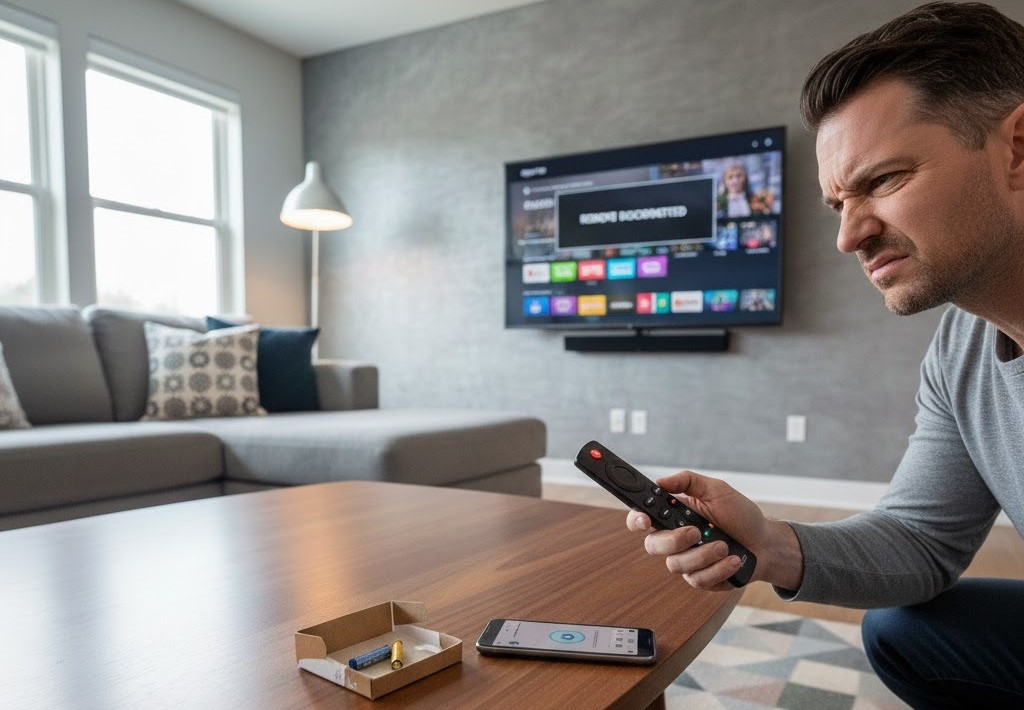


If your Fire Stick remote is not working, you’re not alone. Millions of users in the U.S. face this issue every year—sometimes suddenly, sometimes after changing batteries, or right after setting up a new TV. The good news? In most cases, the problem is easy to fix at home.
In this guide, we’ll explain why your Fire Stick remote stops working and show you fast, proven solutions that actually work in 2026.
Common Reasons Your Fire Stick Remote Is Not Working
Before jumping into fixes, it helps to understand what causes the problem. When users say “my Fire Stick remote is not working”, it’s usually due to one of these reasons:
- Weak or incompatible batteries
- Remote not paired properly
- Bluetooth interference
- Software glitches
- Hardware damage
- TV or Fire Stick compatibility issues
Let’s fix them one by one.
Fix 1: Check the Batteries (Yes, Even New Ones)
Many users report fire stick remote not working with new batteries, which can be confusing.
What to do:
- Use brand-new alkaline batteries (not rechargeable)
- Insert batteries in the correct direction (+ / -)
- Clean battery contacts inside the remote
- Try a different battery brand if possible
🔑 Tip: Some remotes don’t work well with cheap or rechargeable batteries.
Fix 2: Restart Your Fire Stick (Quickest Fix)
A simple restart often fixes temporary software issues.
Steps:
- Unplug your Fire Stick from power
- Wait 30–60 seconds
- Plug it back in
- Wait for the home screen to load
- Try using the remote again
This fix works surprisingly well when my Fire Stick remote is not working suddenly.
Fix 3: Re-Pair the Fire Stick Remote
If your Amazon Fire Stick TV remote is not working, it may have lost its Bluetooth connection.
How to re-pair:
- Turn on your TV and Fire Stick
- Hold the Home button on the remote
- Keep holding for 10–15 seconds
- Wait for the pairing confirmation on screen
If pairing fails, move closer to the TV and try again.
Fix 4: Remove Bluetooth Interference
Fire Stick remotes use Bluetooth, not infrared. Interference can break the connection.
Possible interference sources:
- Wi-Fi routers
- Soundbars
- Game consoles
- Other Bluetooth devices
Solution:
- Move other devices away temporarily
- Restart nearby electronics
- Keep the remote within 10 feet of the Fire Stick
Fix 5: Use the Fire TV App (Temporary Remote)
If the remote still won’t work, don’t panic.
Use your phone as a remote:
- Download Amazon Fire TV App (iOS or Android)
- Connect your phone to the same Wi-Fi
- Control your Fire Stick from the app
This helps you access settings if your fire stick remote is not working at all.
Fix 6: Update Fire Stick Software
Outdated software can cause remote issues.
Steps:
- Go to Settings
- Select My Fire TV
- Click About
- Choose Check for Updates
Keeping your Fire Stick updated reduces bugs and improves remote connectivity.
Fix 7: Reset the Fire Stick Remote
If nothing works, reset the remote.
Reset steps:
- Unplug Fire Stick from power
- Hold Left + Menu + Back buttons together
- Hold for 12 seconds
- Remove batteries
- Plug Fire Stick back in
- Reinsert batteries after 60 seconds
- Press Home to re-pair
This fix resolves many cases where fire stick remote not working with new batteries.
Fix 8: Check for Physical Damage
If the remote was dropped, spilled on, or chewed by pets, internal damage may be the issue.
Signs of damage:
- Buttons stuck or unresponsive
- Remote overheats
- No LED response
In this case, replacement is the best option.
When to Replace Your Fire Stick Remote
You should consider buying a new remote if:
- None of the fixes work
- The remote won’t pair at all
- Physical damage is visible
- It’s more than 4–5 years old
Amazon offers official replacement remotes compatible with all Fire Stick models in the U.S.
Frequently Asked Questions
Why is my Fire Stick remote not working even with new batteries?
This usually happens due to pairing issues, Bluetooth interference, or incompatible battery types.
Can I use Fire Stick without a remote?
Yes, using the Fire TV mobile app or HDMI-CEC-enabled TV remote.
Does Fire Stick remote work on all TVs?
Yes, but Amazon Fire Stick TV remote not working issues may occur if TV-CEC settings are disabled.
Final Thoughts
If your Fire Stick remote is not working, don’t rush to replace it. In most cases, the issue can be fixed in minutes by restarting, re-pairing, or resetting the remote.
Follow the steps above carefully, and your Fire Stick should be back to normal—fast, simple, and frustration-free in 2026









Recent Comments